AI Image Upscaler

Explore AI image upscaler workflows by redrawing a reference at a supported higher resolution. Nano Banana 2.1 offers generative enhancement rather than a dedicated pixel-preserving upscaler; compare the result with your source.

Prompt Templates
Explore more prompts
Cobalt-blue glass perfume bottle on a pale stone pedestal in a sunlit studio
Prompt Templates

Creative guidance

AI Image Upscaler: examples and practical tips

Explore higher-resolution AI redraws

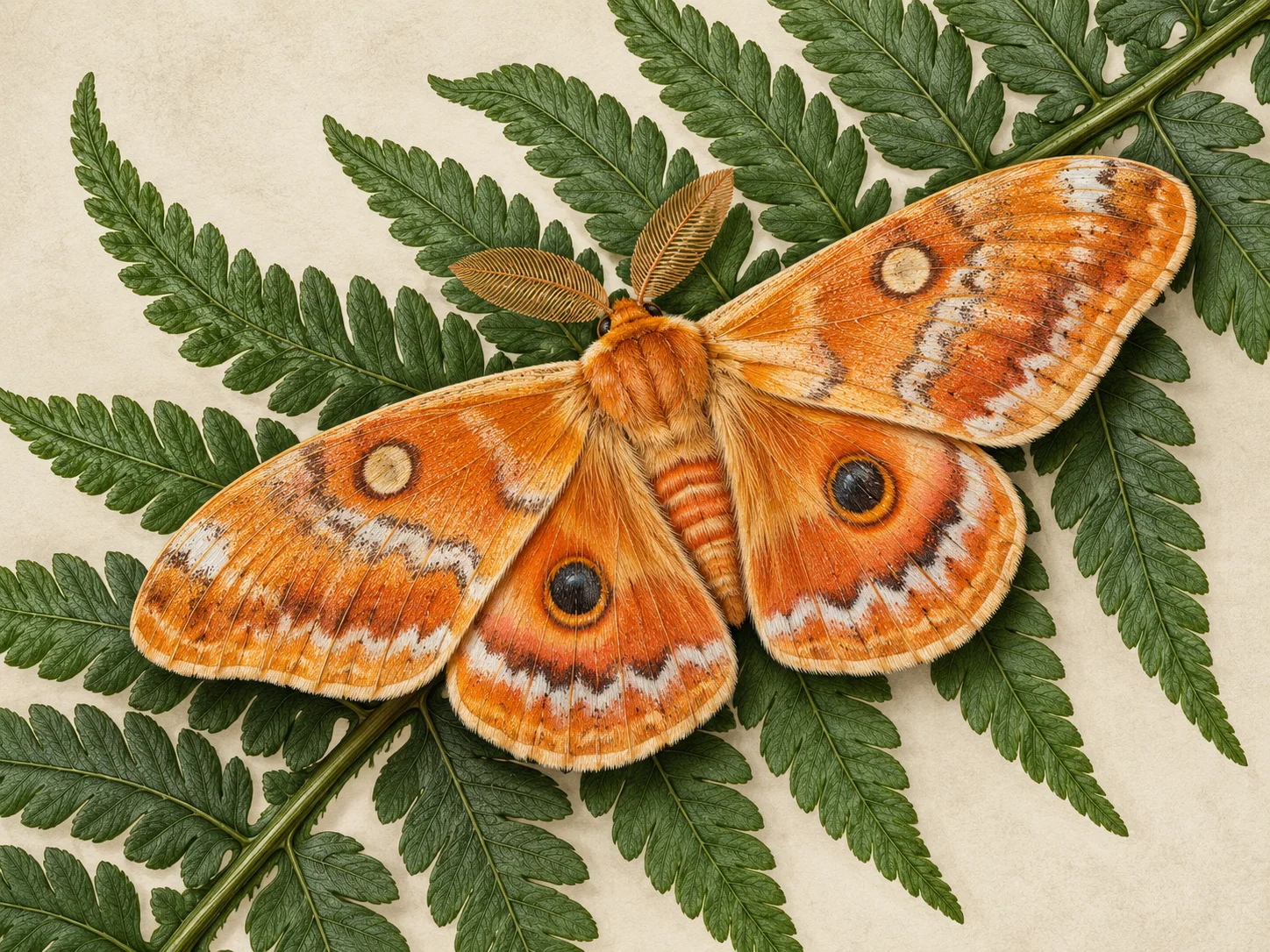
Detailed orange moth illustration resting on a fern against a green background
Illustrative concept visual created for this page; it is not an upscaling comparison or guaranteed model output.

Brief

Illustration redraw

This AI image upscaler workflow creates a new rendition from a reference at a supported output resolution. It is useful for exploring larger concept images, but generated details may differ from the original. Choose an output tier offered by your model and compare fine textures, edges, faces, and lettering before using the result.

  • This asks for a cleaner rendition; inspect linework because the model may redraw details.
  • Example prompt: “Use the uploaded illustration as the reference. Recreate the composition with cleaner edges and clearer texture. Preserve the color palette and main shapes; do not add objects or text.”

Required input

Start from a source image

Upload a supported image, then state which details should stay recognizable and what should change. Material and lighting direction can improve perceived clarity, but product details need comparison.

  • Example prompt: “Use the uploaded product photo. Render a clearer version with crisp material texture and soft studio lighting. Keep the silhouette and camera angle; do not invent labels or extra parts.”
  • Use an image you have permission to upload; generated changes are not pixel-preserving.

Settings

Choose a practical output format

Select a model and choose the available output settings for the intended placement. Use a portrait crop for a cover or a wide crop for a banner.

  • A 4K resolution tier is an output setting, not proof that an image retains original detail. Generated details may be invented.
  • Review the available settings and credit estimate before submitting.

Review

Review the generated image

Compare edges, textures, faces, and lettering with the original; a sharper-looking redraw may change details. Compare the result with your brief or source before using it.

  • Nano Banana 2.1 does not expose deterministic 2× or 4× scaling or guaranteed pixel preservation.
  • Change one part of the brief at a time so each new draft is easier to evaluate.

From brief to reviewed image

How to use AI Image Upscaler

This workflow requires an image. Upload the source image you want to explore as a larger generated rendition. Check the accepted file and model limits before submitting.

  1. 01

    Upload your source image

    Upload the source image you want to explore as a larger generated rendition.

  2. 02

    Set the visual direction

    Describe the textures and shapes to retain without asking the model to invent unnecessary new details. Use the example prompt above as a starting point, not a required template.

  3. 03

    Choose output and generate

    Choose an available higher-resolution output tier and a suitable aspect ratio, then generate the new rendition. Check the current model, output choices, and credit estimate before submitting.

  4. 04

    Review and refine

    Compare edges, textures, faces, and lettering with the original; a sharper-looking redraw may change details.

Nano Banana 2.1 Pricing & Credit Packs

Choose a monthly plan, save 50% with annual billing, or add credits with a one-time pack.

Save 50%

Basic

Great for getting started

$19$9.50/month
$228$114 billed yearly7,200 credits/year

Auto-renews · Cancel anytime


Includes

  • AI Image Generation & Editing
  • GPT Image 2 & Nano Banana 2
  • Watermark-free downloads
  • All style templates included
  • Priority generation queue
  • Basic customer support
  • Early roll-out of new features
  • Commercial Use License
Popular
Save 50%

Pro

Best for regular creation

$39$19.50/month
$468$234 billed yearly18,000 credits/year

Auto-renews · Cancel anytime


Includes

  • AI Image Generation & Editing
  • GPT Image 2 & Nano Banana 2
  • Watermark-free downloads
  • All style templates included
  • Priority generation queue
  • Priority customer support
  • Early roll-out of new features
  • Commercial Use License
Best Value
Save 50%

Max

Built for high-volume production

$99$49.50/month
$1,188$594 billed yearly48,000 credits/year

Auto-renews · Cancel anytime


Includes

  • AI Image Generation & Editing
  • GPT Image 2 & Nano Banana 2
  • Watermark-free downloads
  • All style templates included
  • Highest priority generation
  • Priority customer support
  • Early roll-out of new features
  • Commercial Use License

Common questions

AI Image Upscaler FAQ

Try AI Image Upscaler in Nano Banana 2.1

This asks for a cleaner rendition; inspect linework because the model may redraw details. Start with a focused brief and review the generated image against your intended use.