AI Background Changer

Remove background distractions with AI by requesting a plain or replacement backdrop from a reference photo. This is a generative redraw, not a dedicated transparent-background cutout tool; inspect the subject and edges.

Prompt Templates
Explore more prompts
Cobalt-blue glass perfume bottle on a pale stone pedestal in a sunlit studio
Prompt Templates

Creative guidance

AI Background Changer: examples and practical tips

Create a new simple background from a reference

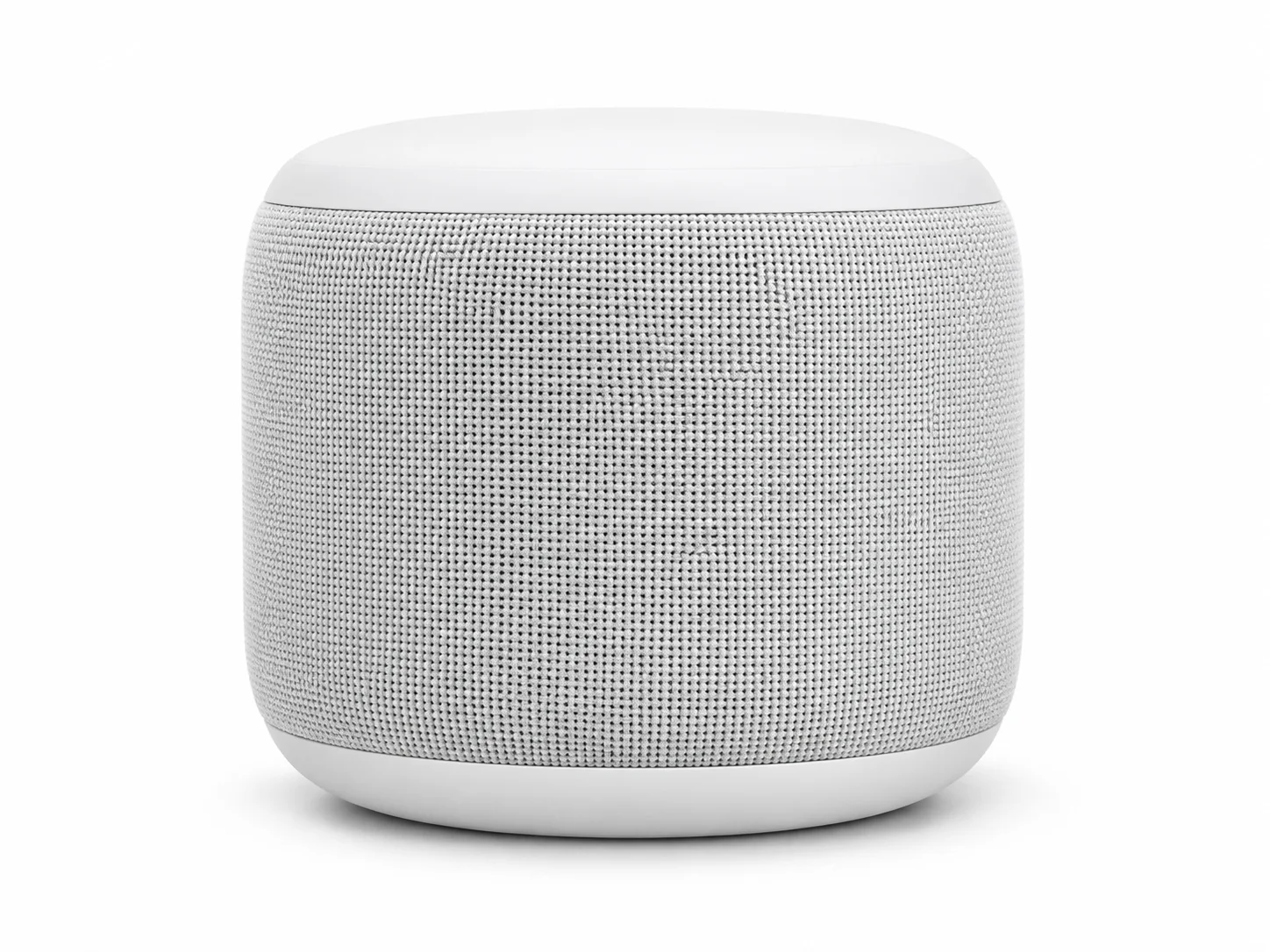
White wireless speaker isolated on a seamless white studio background
Illustrative concept visual created for this page; it is not a transparent cutout or guaranteed model output.

Brief

Product on white

To remove a background with AI, upload a clear subject photo and describe the backdrop you want instead, such as white studio space or a simple color. Specify important subject details to retain. This generates a new image rather than a precise cutout; it does not provide a guaranteed transparent-background export.

  • A white background is useful for a draft product visual, but it is not transparent.
  • Example prompt: “Use the uploaded product photo. Keep the product shape and colors recognizable. Place it on a seamless white studio background with a subtle contact shadow; remove surrounding clutter.”

Required input

Start from a source image

Upload a supported image, then state which details should stay recognizable and what should change. Hair and edge instructions identify details to inspect when reviewing the new rendition.

  • Example prompt: “Use the uploaded portrait. Keep the person recognizable and replace the backdrop with a plain light gray studio background. Preserve the hair silhouette and natural lighting.”
  • Use an image you have permission to upload; generated changes are not pixel-preserving.

Settings

Choose a practical output format

Select a model and choose the available output settings for the intended placement. Use a portrait crop for a cover or a wide crop for a banner.

  • The model may redraw the foreground subject. A white background is not the same as transparency.
  • Review the available settings and credit estimate before submitting.

Review

Review the generated image

Inspect hair, object edges, shadows, and subject details; use a cutout editor if you need exact transparent export. Compare the result with your brief or source before using it.

  • Transparent PNG export and deterministic background segmentation are not exposed in the current Nano Banana 2.1 workspace.
  • Change one part of the brief at a time so each new draft is easier to evaluate.

From brief to reviewed image

How to use AI Background Changer

This workflow requires an image. Upload a clear subject image with enough separation from the surrounding background. Check the accepted file and model limits before submitting.

  1. 01

    Upload your source image

    Upload a clear subject image with enough separation from the surrounding background.

  2. 02

    Set the visual direction

    Specify a plain color or replacement scene and name the subject shape, colors, and details to retain. Use the example prompt above as a starting point, not a required template.

  3. 03

    Choose output and generate

    Choose a compatible image model and output format, review the credit estimate, and generate a new image. Check the current model, output choices, and credit estimate before submitting.

  4. 04

    Review and refine

    Inspect hair, object edges, shadows, and subject details; use a cutout editor if you need exact transparent export.

Nano Banana 2.1 Pricing & Credit Packs

Choose a monthly plan, save 50% with annual billing, or add credits with a one-time pack.

Save 50%

Basic

Great for getting started

$19$9.50/month
$228$114 billed yearly7,200 credits/year

Auto-renews · Cancel anytime


Includes

  • AI Image Generation & Editing
  • GPT Image 2 & Nano Banana 2
  • Watermark-free downloads
  • All style templates included
  • Priority generation queue
  • Basic customer support
  • Early roll-out of new features
  • Commercial Use License
Popular
Save 50%

Pro

Best for regular creation

$39$19.50/month
$468$234 billed yearly18,000 credits/year

Auto-renews · Cancel anytime


Includes

  • AI Image Generation & Editing
  • GPT Image 2 & Nano Banana 2
  • Watermark-free downloads
  • All style templates included
  • Priority generation queue
  • Priority customer support
  • Early roll-out of new features
  • Commercial Use License
Best Value
Save 50%

Max

Built for high-volume production

$99$49.50/month
$1,188$594 billed yearly48,000 credits/year

Auto-renews · Cancel anytime


Includes

  • AI Image Generation & Editing
  • GPT Image 2 & Nano Banana 2
  • Watermark-free downloads
  • All style templates included
  • Highest priority generation
  • Priority customer support
  • Early roll-out of new features
  • Commercial Use License

Common questions

AI Background Changer FAQ

Try AI Background Changer in Nano Banana 2.1

A white background is useful for a draft product visual, but it is not transparent. Start with a focused brief and review the generated image against your intended use.